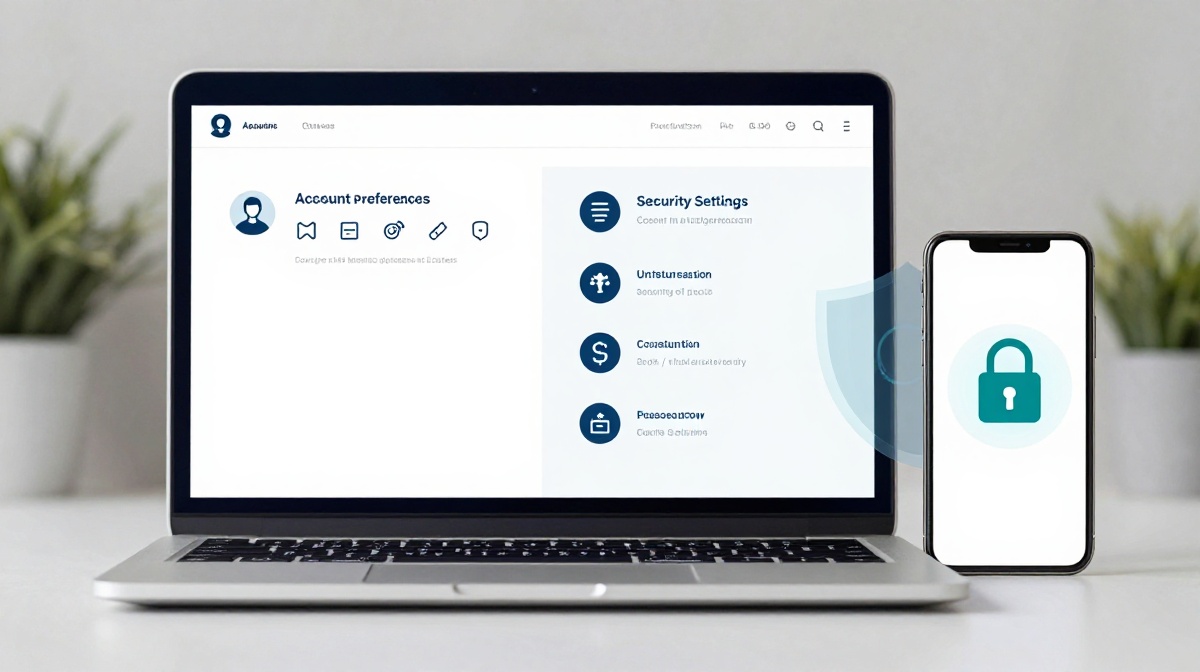
Account Preferences vs Security Settings What’s the Difference
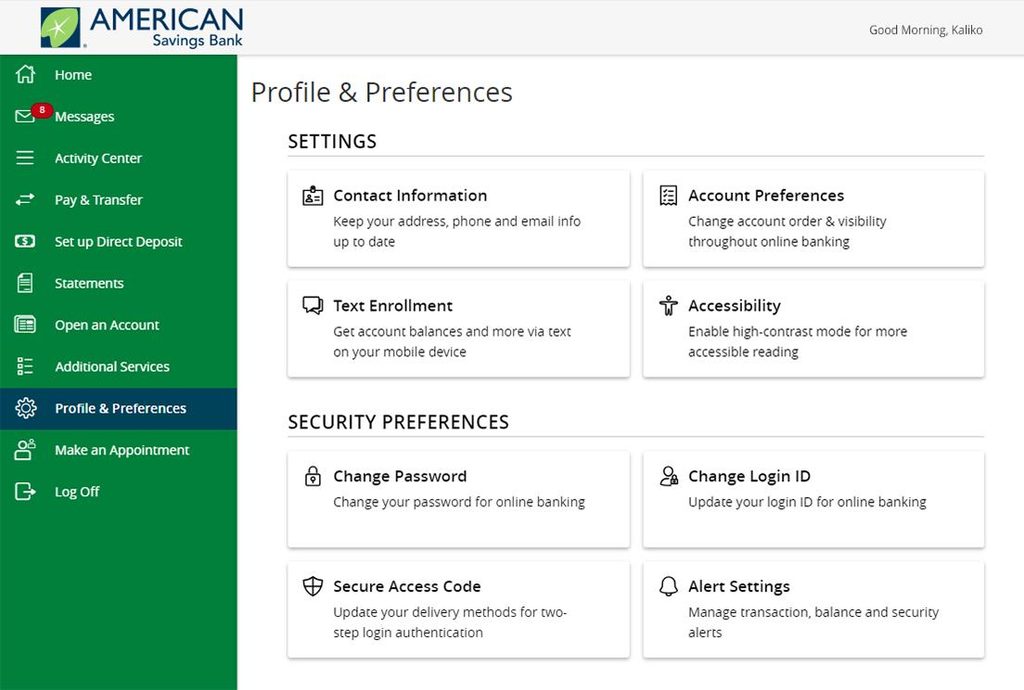
Imagine you just signed up on a new app. Maybe it’s a cricket game, a streaming service, or an online wallet. You go to your profile and see two different options Account Preferences and Security Settings. You tap around, change a few things without really knowing what they do, and move on. Sound familiar?
Most Indian users do exactly this, and many end up either ignoring these settings completely or mixing them up. Getting these two right, though, can mean the difference between a smooth experience and a hacked account.
What Are Account Preferences?
Account preferences are the settings you change to make an app feel like your own. Think of them as the comfort settings. They control how the app looks and behaves for you personally. They don’t directly protect your account from outside threats.
Here are some common things you’ll find under account preferences:
- Language and display: Many apps let you switch between English, Hindi, Tamil, or other Indian languages. This sits in preferences.
- Notification settings: You decide whether the app can send you SMS alerts, emails, or push notifications. If you’re tired of promo messages at midnight, this is where you stop them.
- Theme or appearance: Dark mode or light mode, font size, colour schemes.
- Deposit or spending limits (on gaming and wallet apps): Some platforms let you set how much you want to spend in a day or a week. This is a personal preference you control.
- Communication language with support: Whether you want customer care to write to you in English or Hindi.
The key point is that account preferences are about you. They make the app fit your habits and taste. If someone else logs into your account and changes all your preferences, it’s annoying, but it does not directly drain your money or leak your personal data.
Platforms like lotus365 cricket let you personalise your experience through account preferences, including setting deposit limits and choosing how you receive updates.
What Are Security Settings?
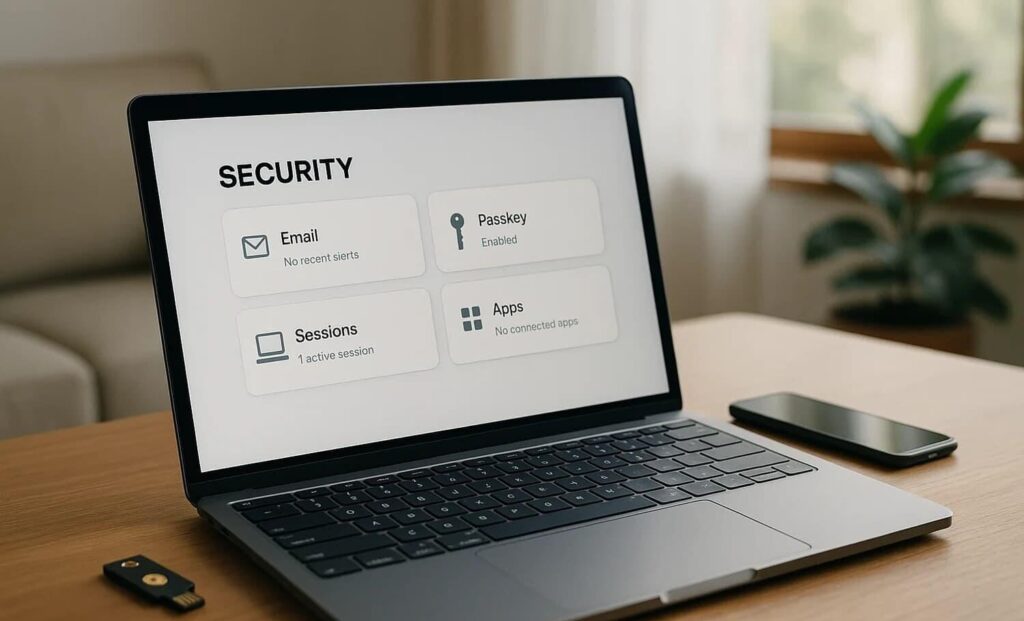
Security settings are a different story. These are the settings that protect your account from people who should not be in it. While preferences are about comfort, security settings are about access control and data safety.
Here’s what you’ll typically find under security settings:
- Password change: The option to update your login password. Most security experts say you should change it every few months, especially if you’ve used the same one on multiple apps.
- Two-factor authentication (2FA): When you turn this on, anyone trying to log in needs both your password and a one-time code sent to your mobile number. Even if someone steals your password, they cannot get in without your phone.
- Active sessions / devices: This shows you every device that is currently logged into your account. If you see a login from Chennai and you live in Pune, that’s a red flag.
- Login alerts: The app sends you an SMS or email whenever someone logs in from a new device.
- Linked phone number or email: These are your recovery options. If you forget your password or get locked out, the app uses these to verify your identity.
Security settings, in short, are the gates. You’re deciding who gets in, how they get in, and who gets a warning if someone tries to force their way in.
Side by Side: How They Compare
| Feature | Account Preferences | Security Settings |
|---|---|---|
| Purpose | Personalise your experience | Protect your account |
| What it controls | Notifications, language, theme, limits | Password, 2FA, login alerts, sessions |
| Risk if ignored | Minor inconvenience | Account takeover, data theft |
| How often to review | When you want a change | Every few months, or after any suspicious activity |
| Urgency | Low | High |
Why Getting Security Settings Right Matters More in India Now
India now has over 900 million internet users, and a large share of online activity happens on mobile apps. Scams often begin with a fake SMS or WhatsApp message pretending to be from an app support team, asking you to verify your account. Once you give them your OTP, they are inside.
India’s Digital Personal Data Protection Act, 2023 (DPDPA), whose operational rules were notified by MeitY in November 2025, now places legal responsibility on platforms to use encryption, access controls, and monitoring. But the law covers how platforms handle your data. What happens on your side of the screen is still your responsibility.
Turning on 2FA is the single most effective thing you can do. It takes under two minutes to set up on most apps. You usually find it under Security Settings, then Two-Factor Authentication or Login Verification.
What Goes Wrong When People Confuse the Two
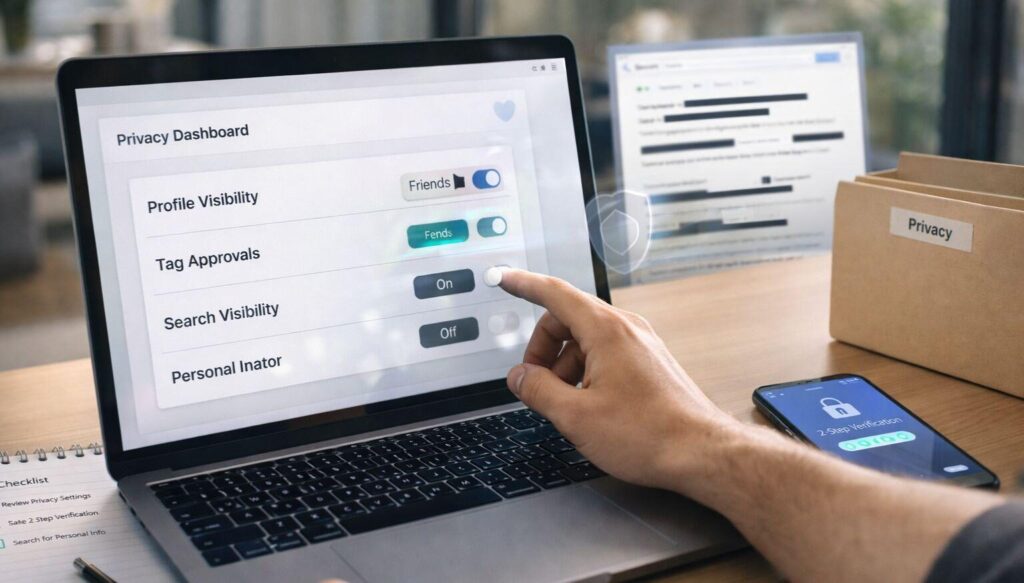
A common mistake Indian users make is going into Settings, finding the first customisation option, and assuming that covers everything. Someone might turn off promotional notifications thinking they’ve secured their account, when they haven’t touched a single security option.
The reverse mistake happens too. Some users, trying to tighten their security, end up in account preferences and set deposit limits or turn off notifications, leaving their password unchanged and 2FA off.
On gaming and sports apps, for example, the lotus365 red section may have specific options tied to how you play, while the security section is where you lock things down properly. Mixing the two up can cost you.
A Quick Checklist When You Open a New App
When you sign up on any app, go to Settings and do these two things in order:
First, handle Security Settings:
- Set a strong password mix of letters, numbers, and symbols, at least 8 to 12 characters.
- Turn on two-factor authentication and link it to your personal mobile number.
- Check which devices are logged in and remove any you don’t recognise.
- Make sure your registered email and phone number are correct for account recovery.
Then, set Account Preferences:
- Choose your preferred language.
- Turn off notification types you don’t want.
- Set spending or deposit limits if the app offers them.
- Pick a theme if you like.
Security first. Comfort second.
A quick note on online gaming and betting apps: These platforms often store payment details and operate with real money. India’s laws around online gaming vary by state. Always check whether a platform is legally operating in your state before depositing money, and use only apps from verified sources. If you’re unsure about the legal status of online gaming in your state, consult a legal professional. Set deposit and time limits in account preferences if the platform provides them, as a way to stay in control.