Lotus365 Account Dashboard Explained What to Check
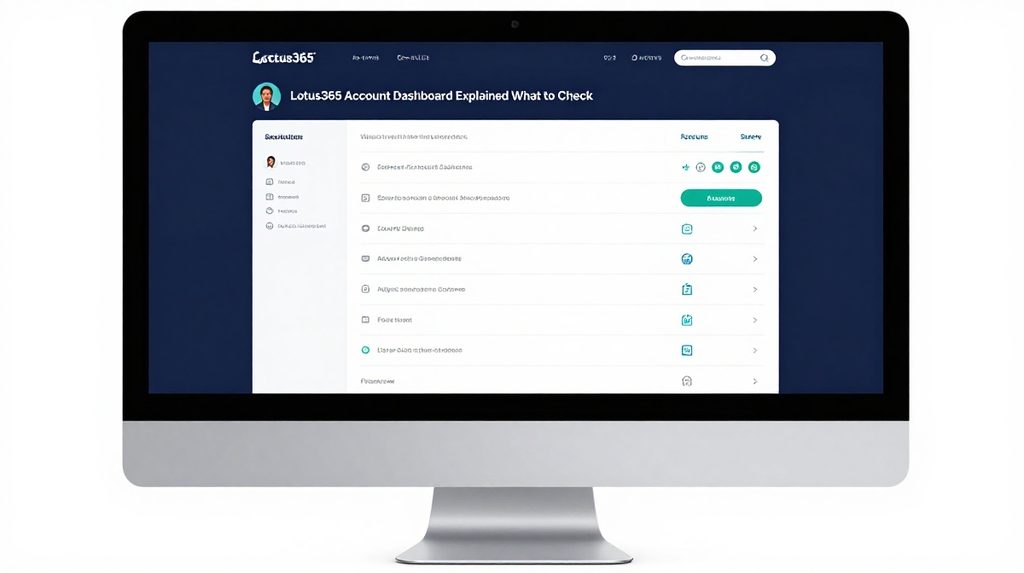
You log in, see a page full of tabs and numbers, and wonder, Is all this information correct? Have I filled everything properly? That confusion is very common among first-time users of the Lotus365 platform in India. This guide walks you through every section of the account dashboard, tells you what each part means, and shows you exactly how to check whether your details are accurate.
Important notice: Online betting and gambling platforms operate in a legally grey area across most Indian states. The Public Gambling Act, 1867, governs central law on gambling, and state rules vary widely. Always check whether using such a platform is permitted in your state before you proceed. If you are under 18, this platform is not for you.
What Is the Lotus365 Dashboard?
Think of the dashboard as the home screen of your account. Once you log in, this is the first page you see. It brings together your profile details, your activity history, your payment records, and your security settings in one place.
Each section of the dashboard serves a different purpose. Knowing where to look saves you time and helps you spot mistakes before they cause problems.
How to Verify Information on Your Lotus365 Account Dashboard
Verification here does not mean one single button. It means going through each section and confirming the details are correct. Here is how to do it, section by section.
Check Your Profile Details First
Go to the profile or My Account tab. You will typically see your registered name, mobile number, email address, and date of birth.
Read each field carefully. Your name should match the name on your bank account or UPI-linked ID. If there is a spelling mistake, even a small one, it can cause problems when you try to withdraw money. Look for a small edit or pencil icon next to each field. If the platform allows changes, correct the error and save it. If the field is locked, contact customer support to get it fixed.
Confirm Your Mobile Number Is Active
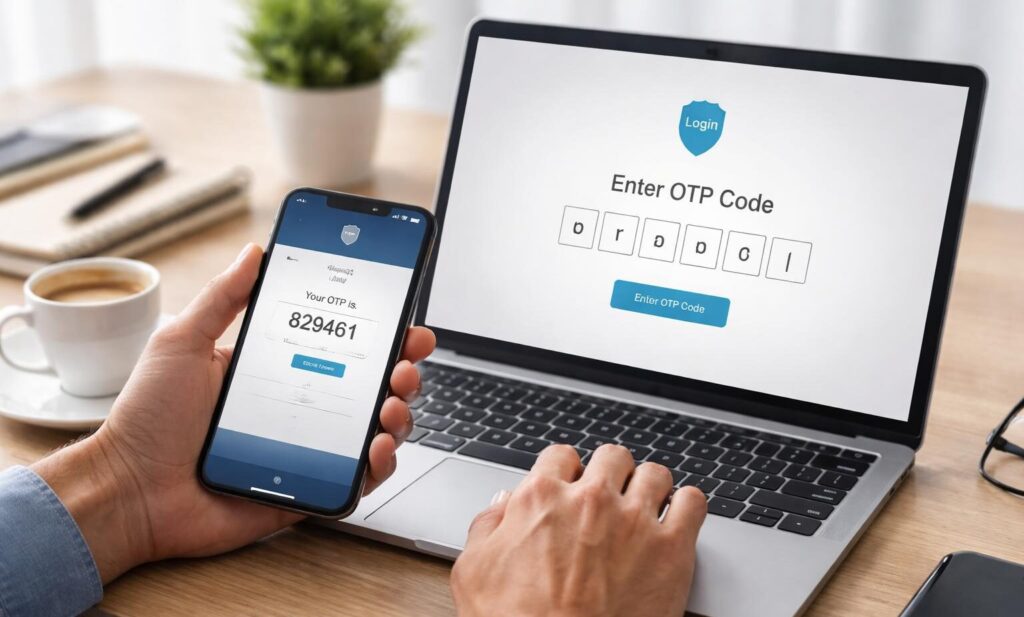
Your mobile number is usually the main identifier on platforms like this. If the number shown is old or belongs to a SIM you no longer use, update it immediately. Many platforms send one-time passwords OTPs to this number for login and for withdrawals. An incorrect number means you could be locked out of your own account.
To verify it, check whether the number shown is the same one you used to register. You can also trigger a test OTP if the platform offers that option, just to confirm the number is live.
Review Your Payment and Banking Details
This section usually shows your saved UPI ID, bank account number partially masked, or any wallet linked to your account. Cross-check the last four digits of your bank account with your passbook or netbanking app. Your UPI ID should be the one currently active on PhonePe, Google Pay, or your bank’s own app.
If you have recently changed your bank or your UPI handle, update it here before you make any withdrawal request. Outdated payment details are the most common reason withdrawals get delayed or rejected.
For users who prefer exploring the cricket-specific features of the platform, the lotus365 cricket section also has its own activity and balance display, which should match your main dashboard totals.
Look at Your Account Activity Log
Most dashboards have a section called Activity, History, or Transaction Log. This shows recent logins, bets placed, deposits made, and withdrawals processed.
Scan this log regularly, at least once a week. If you see a login from a city you have never been to, or a transaction you do not recognise, that is a red flag. Change your password immediately and contact support. You are looking for any activity that does not match what you did personally.
Check Your Bonus and Balance Section
If you have received any welcome bonus, referral credit, or promotional balance, it should appear here. Match the amount shown against any message or email you received from the platform confirming the bonus. Discrepancies between what was promised and what is shown should be reported in writing through the support channel, so you have a record.
Some users find that the lotus365 red variant of the platform displays a slightly different interface, but the balance and bonus sections work the same way. The numbers should still match across both versions.
Verify Your Security Settings
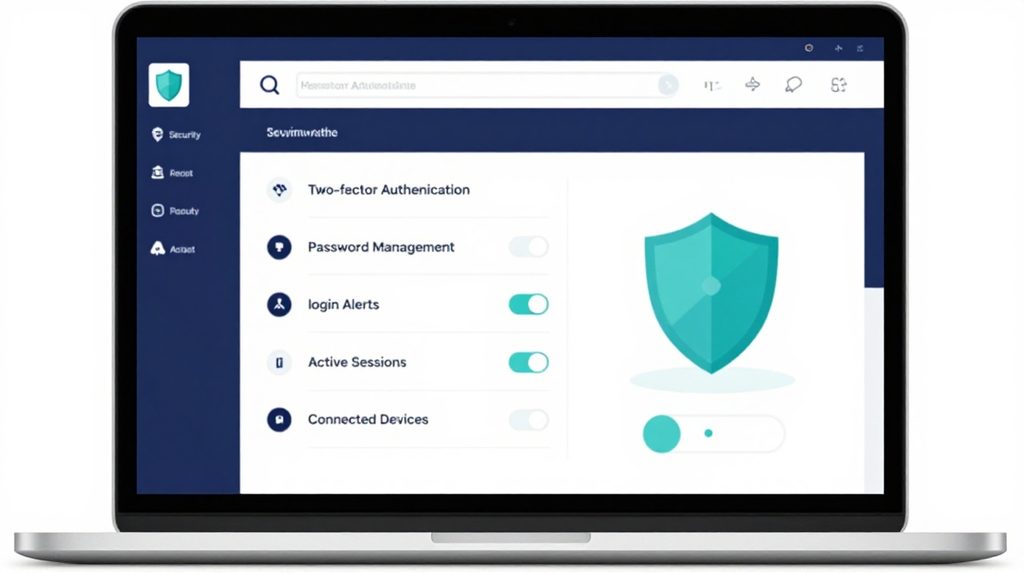
Look for a tab called Security or Account Protection. Check whether two-factor authentication 2FA is turned on. If it is not, turn it on. This adds an extra layer where every new login from an unrecognised device needs your OTP approval.
Also check whether the email linked to your account is one you still access. A forgotten or abandoned email can be used by others to reset your password without your knowledge.
What to Do If Something Looks Wrong
Do not panic. Most issues are either data entry errors or minor delays in the system updating. Here is a simple approach.
First, take a screenshot of the incorrect information. This gives you proof of what you saw and when. Then contact the platform’s customer support through the official chat or helpline. State the problem clearly: which field is wrong, what the correct value should be, and what document or proof you have. Keep the conversation or ticket number saved.
If the issue involves money, for example a deposit that shows as processed but is not reflected in your balance, also check your bank statement first. Sometimes the delay is on the bank’s side, not the platform’s.