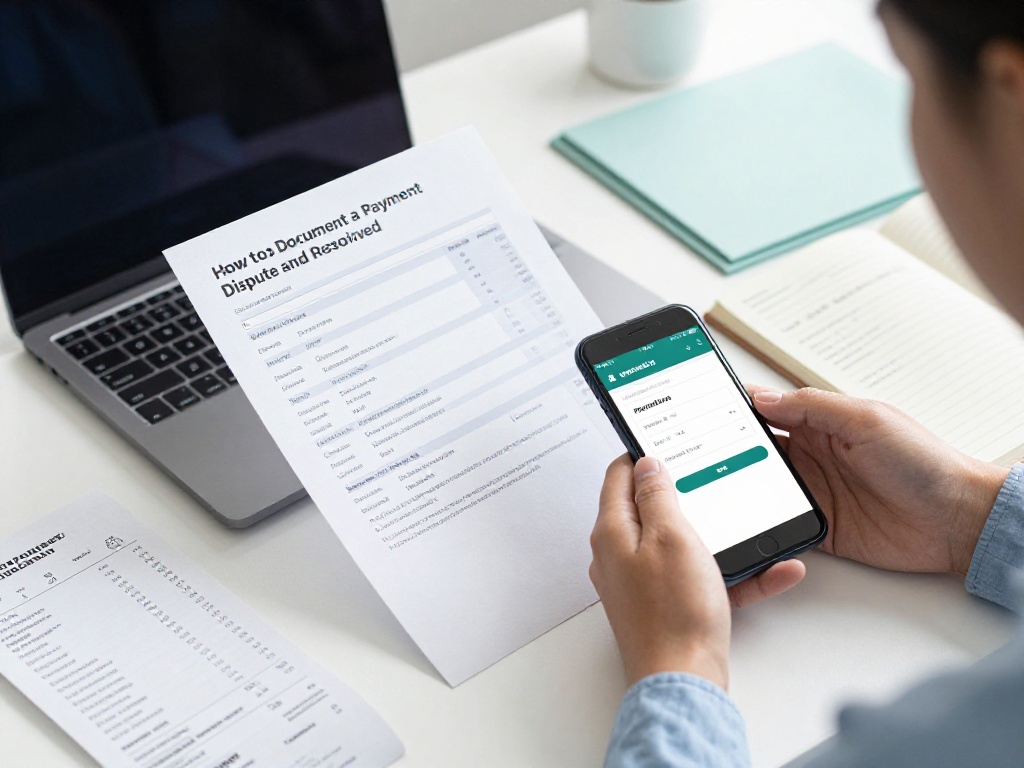
How to Document a Payment Dispute and Get It Resolved
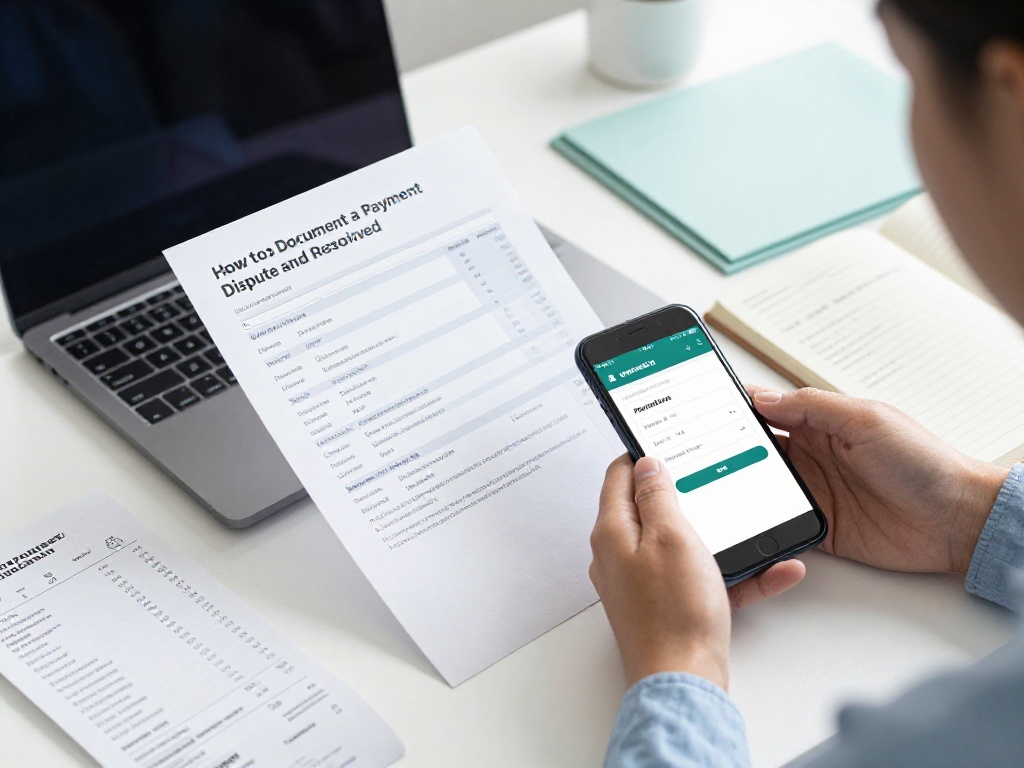
Picture this: you add money to your account on a gaming app, the amount gets deducted from your bank, but the wallet never gets credited. You contact support, wait two days, and hear nothing. Sound familiar? This situation happens to thousands of Indian users every month, and the biggest mistake most people make is contacting support before they have their documents ready. Without proper records, even a genuine complaint can go nowhere.
This guide tells you exactly what to save, in what order, and who to contact when your payment is stuck or wrongly deducted.
Why Documentation Comes Before Everything Else
A payment dispute is only as strong as the proof you can show. When you approach your bank, a grievance officer, or a government portal, they will ask for specific details the transaction ID, the amount, the date and time, and proof that the money left your account. If you cannot provide these, your complaint may get closed without a proper review.
India processed 188.4 billion digital payment transactions in FY 2023-24 across UPI, cards, NEFT, IMPS, and wallets. With this volume, dispute teams follow a standard checklist. Your job is to fill that checklist before you pick up the phone.
Step 1: Take Screenshots Right Away
The moment you notice a problem, take screenshots before anything changes. Specifically, capture:
- The payment confirmation screen showing the amount, date, time, and transaction reference number UTR number for UPI, or order ID for cards
- Your bank SMS or notification showing the debit
- The app screen showing that the wallet or account was not credited
- Any error message the app showed during or after the payment
Do this within the first few hours. Some apps refresh their transaction logs, and bank notifications can get buried. A screenshot with a visible timestamp is far harder to dispute than a verbal claim.
Step 2: Pull Your Bank Statement

A screenshot is informal evidence. A bank statement or passbook entry is official. Log into your net banking or app and download the mini-statement or account statement for the relevant dates. Make sure it clearly shows the debit amount, the merchant or VPA the UPI ID the money went to, and the transaction reference number.
If you use a lotus365 app or any similar platform where deposits go directly to a wallet, save both your bank debit record and the platform’s own transaction history page. These two records together show the complete picture: money left your bank, but did not arrive in your wallet.
Step 3: Write Down the Key Details in One Place
Before you contact anyone, note these details on paper or in a text file:
| Detail | Where to Find It |
|---|---|
| Transaction amount | Bank SMS or payment confirmation |
| Date and time | Bank statement or UPI app |
| UTR / Order ID | UPI app transaction history |
| Merchant VPA or name | Bank statement or payment receipt |
| App transaction ID | Platform’s transaction or deposit history |
| Your registered mobile number | Your profile in the app |
Having this list ready means you don’t spend time searching while you’re on a call with support.
Step 4: Contact the Platform’s Support First
This is your first point of contact, and you should always start here. Most apps have a in-app help section, a support email, or a chat option.
When you write to them, be specific. Mention the exact amount, the date, the transaction reference, and the fact that your bank has been debited but your wallet shows no credit. Attach your screenshot and bank statement. Ask for a ticket or reference number and save it.
Under India’s IT Rules, intermediaries, including gaming platforms, are required to appoint a Grievance Officer and publish their contact details, typically in the platform’s terms of service or a dedicated grievance page. If the basic support chat is not resolving your issue, look for the Grievance Officer contact. A complaint sent directly to the Grievance Officer carries more weight and has a defined response timeline under the IT Rules.
If you prefer downloading the app to access support faster, the lotus365 apk page also gives you direct access to the platform.
Step 5: Escalate to Your Bank If the Platform Does Not Respond

If the platform support has not resolved your issue within 5 to 7 days, or if you believe the deduction was unauthorised, contact your bank’s customer care. For UPI-based disputes, banks have a specific dispute mechanism through the NPCI National Payments Corporation of India.
Tell the bank:
- The exact date and amount of the transaction
- The merchant VPA or account to which the money went
- That the funds did not reach the intended destination
- Your UTR number
For UPI failures, you can raise a dispute via the app and through your acquiring bank. Most banks have this option inside their mobile app under the UPI transaction history.
Step 6: File with the RBI Ombudsman If the Bank Also Fails
This is where many people give up, but you should not. India has a free, 24-hour online complaint system run by the Reserve Bank of India.
You can write to the RBI Ombudsman if your bank, NBFC, or payment app has not replied to your written complaint within a month. You can file via the complaint management system at cms.rbi.org.in, or email crpc@rbi.org.in, or send a letter to the Centralised Receipt and Processing Centre, 4th Floor, Sector 17, Chandigarh 160017.
At the time of submitting the complaint, mention your contact details, the name of the institution, a description of the complaint, and attach all documents related to it. This is exactly why Step 1 through Step 3 of this guide matter so much.
Note that the 30-day RBI clock starts from your first written complaint to the platform or bank. So make sure you send that first written complaint by email or through the app’s support form so you have a date on record.
Step 7: Use the National Consumer Helpline or the Cybercrime Portal
For disputes that feel like fraud or where the platform has gone unresponsive, two more options are available.
National Consumer Helpline NCH: The helpline accepts grievances in 17 languages through multiple channels: a toll-free number 1915, WhatsApp 8800001915, SMS, email, a dedicated app, and a web portal. It works at the pre-litigation stage, so you do not need a lawyer. Between April and December 2025, the NCH facilitated refunds worth Rs 45 crore by resolving more than 67,000 consumer grievances. outlookmoneygreaterkashmir
Cybercrime Portal: If money was deducted through what looks like a fraudulent transaction, or if the app appears to be a fake, file a complaint at cybercrime.gov.in, India’s official portal for financial cyber fraud. Keep the acknowledgement number you receive.
A Note on Betting and Gaming Apps
If your payment dispute involves an online gaming platform, be aware that the legal status of real money gaming varies by state in India. The Ministry of Electronics and Information Technology released draft rules for the Promotion and Regulation of Online Gaming Act in October 2025, and regulations are still evolving. Always check whether a platform operates legally in your state before depositing money. If you have been genuinely cheated, the cybercrime portal is the right starting point alongside the RBI complaint system.