
Website Verification Checklist Before Using Any Online Platform
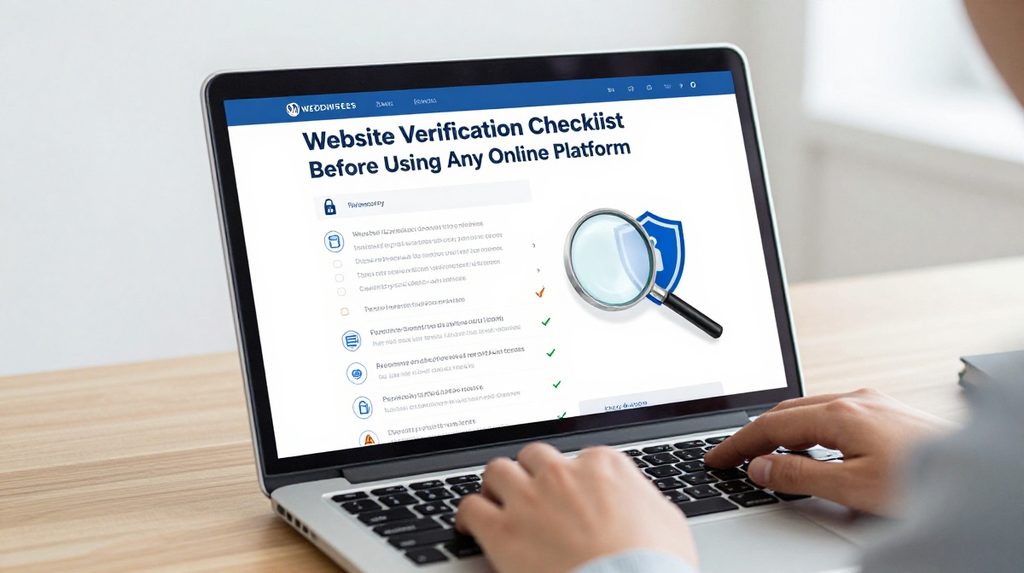
Before you sign up on any online platform, take ten minutes to check it properly. Indians filed over 28 lakh cybercrime complaints in 2025 alone, with reported losses touching Rs 22,495 crore, according to data from the Ministry of Home Affairs. Many of these victims used platforms that looked real but were not. A simple verification process before you register can save you money, data, and a lot of stress.
This checklist is for anyone using online gaming, shopping, investment, or any other platform where you share personal or payment details.
A quick caution before you begin: Online betting and gambling platforms operate in a legal grey area in India. Laws vary from state to state, and some states ban them entirely. If you are considering using such platforms, check your state’s rules and understand the financial risks involved. Never use money you cannot afford to lose. If you need help with gambling-related concerns, speak to a trusted person or a counsellor.
Step 1: Check the URL and Domain Name
The address bar in your browser is the first thing to look at. A safe website must start with https:// and show a padlock icon next to the URL. If a website starts with http instead of https, that is an obvious sign of a fake or insecure website.
Also look very carefully at the spelling of the domain. Scammers often make small changes in the URL, like writing bajajfınserv instead of bajajfinserv, so the address looks almost right but leads to a fake page. Some fake sites add extra words, hyphens, or change .com to .net or .in to confuse you. Always cross-check the URL against the platform’s name on Google before entering any details.
Step 2: Look for a Valid Licence
Any legitimate online platform, especially one handling money or user accounts, should clearly state who regulates it. Look for this in the website’s footer the bottom of the page or in the About Us or Terms and Conditions section.
When checking a licence, look at whether the domain name in the certificate matches the website URL exactly, with no extra subdomains or altered spellings. Do not stop at just finding a licence number. Actually go to the regulator’s website and confirm it is active.
For investment platforms operating in India, SEBI Securities and Exchange Board of India provides free verification tools for platform legitimacy. You can use SEBI’s official website at sebi.gov.in to cross-check whether a trading or investment platform is registered.
Step 3: Check the SSL Certificate Properly
SSL Secure Sockets Layer is a technology that keeps your data safe while it travels between your device and the website’s server. You do not need to be technical to check this. Click the padlock icon in your browser’s address bar and look at the certificate details. It should show the name of the company the website belongs to.
The best platforms employ 128-bit or 256-bit SSL encryption, which scrambles data between your device and the server, making it unreadable to hackers. A legitimate platform will not hesitate to show this information. If the certificate name does not match the platform name, that is a red flag.
Step 4: Read the Privacy Policy and Terms
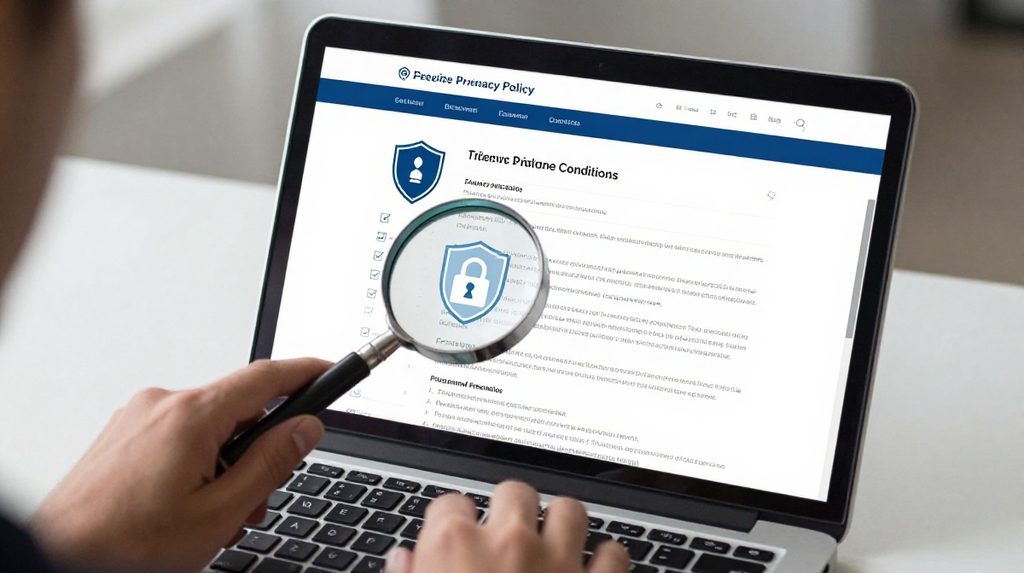
This step is skipped by most people, but it matters. Open the Privacy Policy and check that it explains clearly:
- What personal data the platform collects
- How it stores and uses your data
- Whether it shares your data with third parties
- How you can delete your account
If the privacy policy is missing, full of legal nonsense that makes no sense, or has a last-updated date from several years ago, treat it as a warning sign. Before joining any online platform, you should review policies related to information collection, data usage, storage practices and privacy protections to better understand how your information is managed.
Step 5: Verify the Platform’s Contact Details
A real platform has real contact details. This means an actual email address not a Gmail or Yahoo address, a working phone number or live chat, and ideally a physical business address. Try sending a test message or calling before you invest time or money in a platform.
If you cannot contact the platform through reliable channels, that is a red flag. Scam platforms often have only a contact form that nobody answers, or a phone number that is always busy.
Step 6: Check for the Lotus365 Red Version and APK Links
When you look for a specific platform, pay attention to where you are downloading or accessing it from. For example, if you want to access the lotus365 red version of the platform, always go through the official website rather than clicking on links shared on WhatsApp groups or Telegram channels.
Similarly, if you are downloading the lotus365 apk or any other platform’s app file, verify that the source is the platform’s own official page. Third-party APK downloads app files not from the official app store or website carry a serious risk. They can contain malware that steals your passwords, bank details, or OTPs. An unexpected update prompt that opens a browser download, rather than the usual channel you used, can indicate tampering with the app.
Step 7: Search for Reviews and Red Flag Reports
Before you sign up anywhere, spend five minutes searching the platform’s name along with words like scam, fraud, review, or fake on Google. Check what other Indian users say on platforms like Reddit India, Twitter X, and YouTube.
Before investing through a website or app, verify the platform independently rather than relying on the information it displays about itself. Be careful about reviews on the platform’s own website. They can be fabricated. Look for independent reviews on neutral sites.
Step 8: Test the Payment Setup Before Going Big

If a platform requires payments, do a small test first. Check which payment options are offered. UPI, net banking from a recognised bank, and debit/credit cards are normal. But if a platform asks you to pay only via cryptocurrency, direct bank transfer to a personal account, or informal wallets you have never heard of, stop immediately.
Try withdrawals before investing heavily on a website. If a platform makes it easy to put money in but impossible to take it out, that tells you everything.
Quick Verification Table
| What to Check | What to Look For | Red Flag |
|---|---|---|
| URL | Starts with https://, padlock icon | http:// only, spelling errors |
| Licence | Visible in footer, verifiable on regulator site | Missing or unverifiable |
| SSL Certificate | Company name matches website | Name mismatch or expired |
| Privacy Policy | Clear, dated, explains data use | Missing or outdated |
| Contact Details | Real email, phone, address | Only a contact form or Gmail |
| App Source | Official website or Play Store | Third-party APK links |
| Reviews | Independent reviews on neutral sites | Only glowing reviews on own site |
| Payment | UPI, cards, named banking partners | Personal accounts, crypto only |
What to Do If Something Goes Wrong
If you suspect you have been scammed or have shared your details with a fake platform, act fast. Call the 1930 cyber fraud helpline available 24 hours, run by MHA and report the incident. You can also file a complaint online at cybercrime.gov.in, which is the Government of India’s official portal for cybercrime reporting. Inform your bank immediately if any payment was made.
Documenting all relevant information, including transaction date, time, amount, and the nature of the fraud, helps investigating officers collect evidence and take necessary action before it gets destroyed.