
Cookies, Pixels and Trackers How Websites Watch You

You open a sports website to check a score. The next morning, you see an ad for cricket gear on Instagram. Then another one on YouTube. You never searched for that gear. So how did the ad find you?
The answer almost always comes down to three things: cookies, tracking pixels and web trackers. Both cookies and pixels help website owners, marketers and advertisers collect data about what you do online. With over 950 million active internet users in India in 2025 per the Internet and Mobile Association of India, this data collection affects almost everyone who goes online in the country.
This article explains what these tools are, how they actually work, and what you can do about them.
What Is a Cookie on a Website?
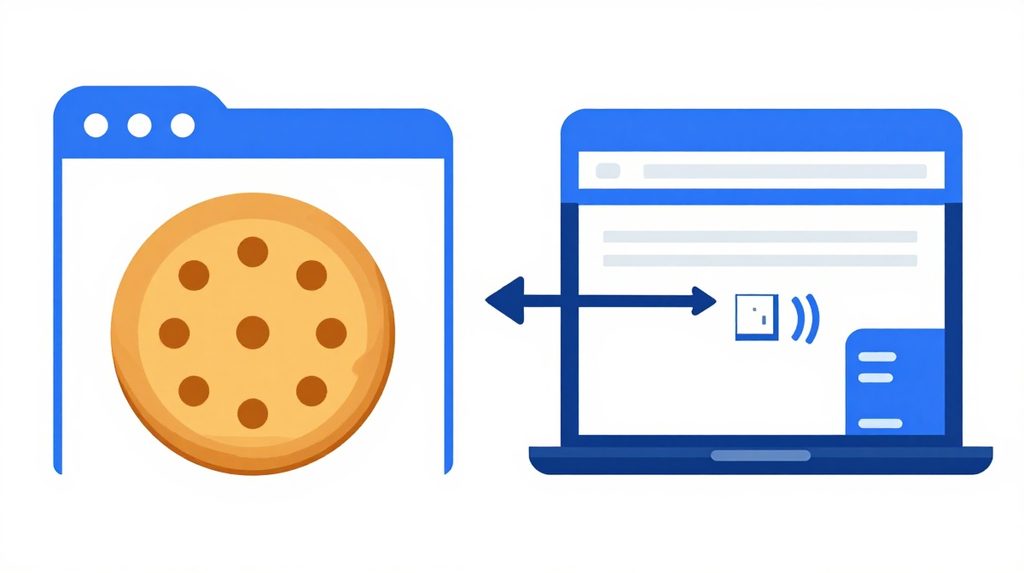
A cookie is a small text file that a website saves on your device when you visit it. Think of it like a small chit of paper the site hands to your browser, asking it to keep that chit for next time.
Cookies store information about your activity, like your preferences, login details, or browsing history, to offer a more personalised experience when you return to the site. That is why you stay logged in to Gmail or Flipkart even after closing your browser. The site remembered you because it placed a cookie on your device.
There are two main types you should know about:
First-party cookies are set by the website you are actually visiting. These are mostly harmless. They help the site remember your language preference, your shopping cart items, or whether you are already logged in.
Third-party cookies are set by other companies, usually advertisers, even though you are on a different site. These cookies track you across multiple sites, allowing businesses to tailor ads to your interests. This is how an ad follows you from one site to another. You visit an online shoe store, and suddenly shoe ads appear on news sites, social media, and apps for days.
What Is a Tracking Pixel?
A tracking pixel is a tiny, usually invisible image or piece of code embedded into a webpage or email. It is often just 1×1 pixel in size, which is too small for the human eye to see.
When you open the page or email, that pixel loads from a remote server. At the moment it loads, it silently sends information back to the company that placed it: your IP address, what device you are using, what time you opened the page, and sometimes your location.
Tracking pixels are typically used to measure ad campaign performance, track email open rates, and create remarketing campaigns across channels. When a company sends you a promotional email and their report says the email was opened by 40% of recipients, a tracking pixel is doing that counting.
The bigger concern is that pixels are harder to get rid of than cookies. While users can easily clear their browser cookies or adjust their settings to block them entirely, tracking pixels are more resilient and can’t be easily blocked.
Cookies vs Pixels: A Quick Comparison
| Feature | Cookie | Tracking Pixel |
|---|---|---|
| What it is | Text file saved on your device | Tiny image or code in a page or email |
| Where data is stored | Your device (browser) | The company’s server |
| Can you delete it? | Yes, through browser settings | Difficult to block |
| Common use | Login memory, cart, preferences | Email open tracking, ad measurement |
| Works across sites? | Only third-party cookies | Yes, easily |
What Are Web Trackers More Generally?
Cookies and pixels are two kinds of trackers, but there are others. A tracker is any tool that collects data about your behaviour on a site or app.
Session replay scripts record exactly how you moved your mouse, where you clicked, and how far you scrolled. Companies use this to understand where users get confused on their website.
Fingerprinting is a more advanced method. It collects details about your browser version, screen resolution, installed fonts and other settings. Combined, these details create a unique fingerprint for your device, making it possible to identify you even without a cookie.
UTM parameters are the long strings of text you see in URLs after a ? symbol. They tell the website which ad, campaign or social media post brought you there. If you’ve ever clicked an ad and noticed a long URL in your browser bar, you’ve seen UTMs in action.
How Websites Use This Data
Websites and apps measure activity for a range of purposes. Some are genuinely useful to you as a user:
- Remembering your login so you don’t sign in every time
- Saving your preferred language or theme
- Keeping items in your cart between visits
Others are more about the business’s interests:
- Showing you retargeted ads ads for things you already browsed
- Measuring which ad campaign brought you to the site
- Building a profile of your interests to sell to advertisers
Apps like lotus365 app and other online platforms are subject to the same data practices. If an app or website drops cookies or uses a pixel when you use it, the data rules described here apply.
What Indian Law Says About Tracking
India passed the Digital Personal Data Protection DPDP Act in 2023, and the DPDP Rules 2025 came into effect in November 2025. The Act does not refer to cookies by name, but its language clearly covers any technology that gathers or processes personal information, including cookies and pixels.
The DPDP Act requires businesses to collect explicit user consent before using cookies and other data processing tools. In practice, this means that the Accept Cookies banners you see on Indian websites are not just polite requests. They are a legal requirement.
Penalties for non-compliance can reach up to INR 50 crore for general violations of the Act or its rules. For violations involving children’s data, the penalties go much higher.
What this means for you as a user: you have the right to know what data is being collected, the right to withdraw consent, and the right to raise a complaint with the Data Protection Board of India.
How to Reduce Tracking on Your Devices

You don’t need a technical background to limit how much data is collected about you.
In your browser:
Clear cookies regularly. In Chrome on Android, go to Settings, then Privacy and Security, then Clear Browsing Data. Tick Cookies and site data. Do this once a month or after sensitive browsing.
Block third-party cookies: In Chrome, go to Settings, Privacy and Security, and look for Third-party cookies. You can block them entirely or block them in Incognito mode only.
Use a privacy-focused browser: Browsers like Firefox and Brave block many trackers by default without any extra setup.
For emails: If you don’t want companies to know when you open their promotional emails, disable automatic image loading in your email app. Tracking pixels are images, so blocking images also blocks most pixels.
Read cookie banners carefully: Most cookie banners let you decline non-essential cookies. Look for a Manage Preferences or Reject All button. Many sites bury this option behind a second click, but it is usually there.
If you use a platform like lotus365 apk or any other app that involves login and account activity, check the app’s privacy policy to understand what data it collects and how long it keeps it.