How to Read Account Activity Notifications Carefully

Every time money moves in or out of your account, your bank or app sends you a notification. Most people glance at it and move on. But knowing how to read account activity notifications carefully can be the difference between catching fraud early and losing money you cannot recover.
This guide breaks down the key terms you will see, the signals that should make you stop and check, and the steps to take when something does not look right.
Why These Notifications Matter More Than You Think
The Reserve Bank of India requires all banks to send real-time alerts for every electronic transaction. This rule, under RBI circular RBI/2021-22/97, covers debit cards, credit cards, UPI, net banking, and NEFT or RTGS transfers. The bank is not sending these messages just for your records. They are your first line of defence against fraud.
India reported over 6,700 cases of card and internet fraud in FY2022-23, with losses crossing Rs 276 crore, according to the RBI Annual Report 2023. That number only covers what was officially reported. The actual figure is higher.
The good news is that RBI’s Zero Liability framework protects you if you report an unauthorized transaction within 3 working days of receiving the alert. This is exactly why reading these notifications promptly and correctly matters.
Key Terms You Will See in Account Activity Notifications
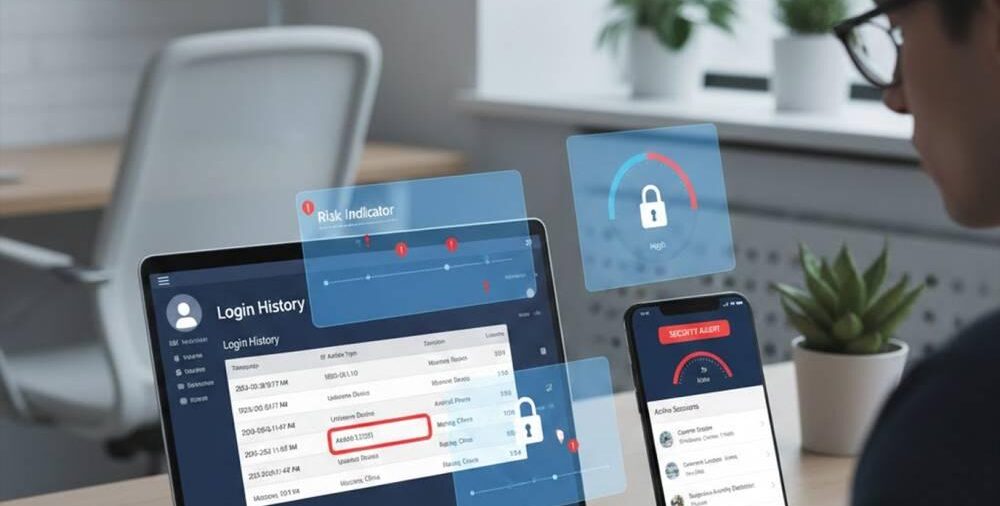
Most notifications follow a standard pattern, but the words used carry specific meaning. Here is what the common terms actually mean.
Dr (Debit): Money has gone out of your account. If you see Dr Rs 4,500 and you did not spend anything, that is a red flag.
Cr (Credit): Money has come in. Always verify who sent it. Fraudsters sometimes make small deposits to test if an account is active before attempting a larger scam.
Available balance vs. ledger balance: Available balance is what you can use right now. Ledger balance includes amounts that are pending clearance. If these two numbers differ by a large amount unexpectedly, it is worth checking.
UPI Ref No / Txn ID: A unique number for every digital transaction. Save this if you need to raise a dispute. Without it, resolving a complaint takes much longer.
Merchant name or payee name: This tells you who received the money. A familiar merchant name with an unfamiliar amount is a warning sign. So is a payee name you do not recognise at all.
Auto-debit or SI (Standing Instruction): This means the debit was scheduled in advance, such as an EMI, insurance premium, or OTT subscription. But scammers can sometimes register fraudulent SIs on your account if they get access to your credentials.
Risk Signals to Watch for When You Read Any Notification
Not every alert needs detailed attention, but some should stop you in your tracks.
Watch for transactions at odd hours, especially between midnight and 5 AM, when you were not using your phone. Also note if a small amount like Rs 1 or Rs 2 is debited with no clear reason. This is often a test transaction used by fraudsters to confirm your account details are live.
Multiple debits in quick succession are another warning sign. If you see three or four debits within a few minutes from different merchants, someone else may be using your card or UPI credentials.
Be alert to notifications about login attempts, password changes, or linked device changes. These are not transaction alerts, but they come from the same activity monitoring system. A message saying your registered mobile number or email was changed, and you did not do it, is serious.
Also, watch out for messages that look like bank notifications but ask you to call a number or click a link. Your bank’s genuine alert will never ask you to do either of those things.
Practical Checks After Reading a Suspicious Notification

If something in an alert does not match what you did, follow these steps without delay.
First, do not click anything in the message itself. Open your bank app directly by typing the URL in your browser or using your saved app icon.
Second, check your transaction history inside the app and match it against the alert. Look at the time, amount, and merchant name together, not just one of them.
Third, if the transaction is genuinely unknown, call your bank’s 24-hour helpline immediately. For UPI issues, you can also raise a dispute through the NPCI portal at NPCI’s dispute redressal mechanism.
Fourth, if your card is involved, block it right away through the app. You can unblock it later once the matter is resolved. Blocking takes 30 seconds and prevents further damage.
Fifth, file a complaint with the National Cyber Crime Reporting Portal at cybercrime.gov.in or call 1930. Keep the transaction ID and the screenshot of the notification ready when you do.
How Betting and Gaming App Notifications Work Differently
If you use platforms for online cricket betting or fantasy sports, account activity notifications work differently from bank alerts. These platforms send notifications about deposits, withdrawals, winnings, and bonus credits through the app itself or via email.
When using something like the lotus365 app, you will receive alerts for every wallet transaction. It is equally important to read these carefully. Check the transaction type (deposit or withdrawal), the amount, and the timestamp. If a withdrawal you did not initiate appears, contact the platform’s support immediately and change your password.
For lotus365 cricket and similar platforms, keep in mind that online betting carries financial risk. Money deposited can be lost. Always set a personal budget and treat any balance in a betting wallet as money you can afford to lose. Online gambling is regulated differently across Indian states, so check the legal status in your state before participating.
A Simple Checklist for Reading Any Account Alert
Keep this in mind every time a notification arrives.
- Does the amount match something you actually did?
- Is the merchant or payee name one you recognise?
- Is the time of the transaction one when you were active?
- Is the transaction type (debit, credit, auto-debit) what you expected?
- Does the available balance after the transaction make sense?
If you answer no to any of these, treat it as suspicious until you confirm otherwise.