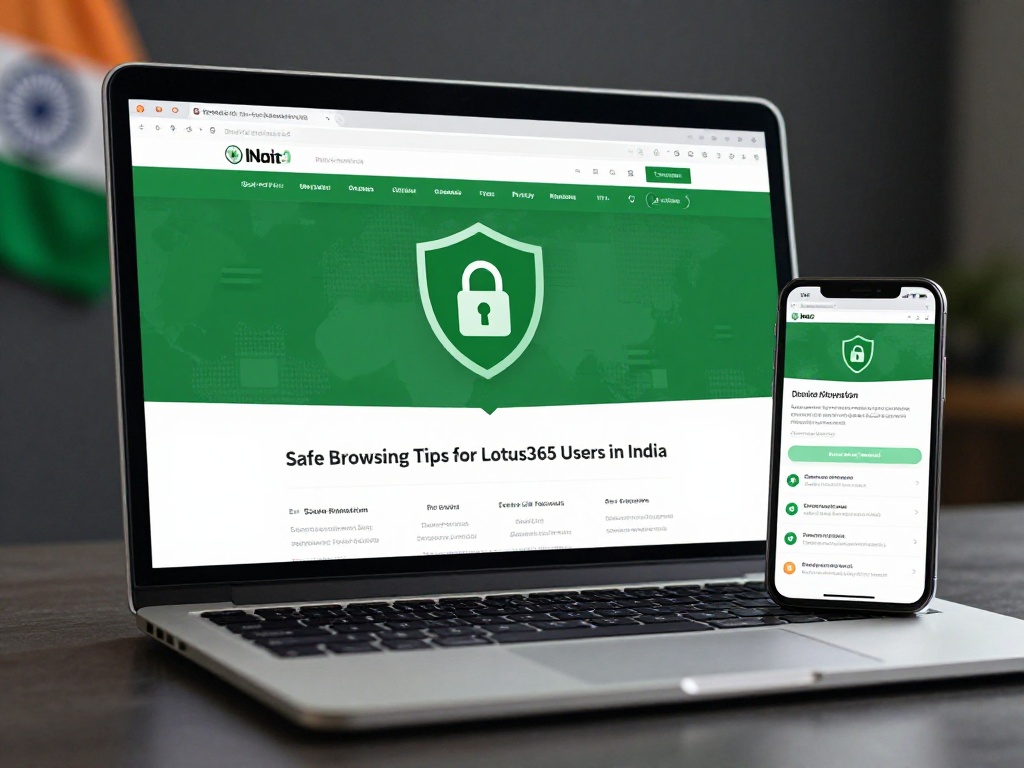
Safe Browsing Tips for Lotus365 Users in India
India recorded over 22.68 lakh cybersecurity incidents in 2024, according to data from the Ministry of Home Affairs released in October 2025. Fake gaming apps and online platforms were among the top sources of financial fraud that year. If you use Lotus365, this matters to you directly.
Safe browsing is not just about setting a strong password. It covers how you download the app, how you connect to the internet, how you pay, and what you do if something goes wrong. This guide walks through each of those areas in plain, simple terms.
Why Online Platform Users Are Targeted More Often
When you use any online platform that involves real money or personal data, you become a more valuable target for scammers compared to a casual social media user. The Indian Cybercrime Coordination Centre (I4C) reported that fake gaming apps were one of the top fraud categories in 2024, with digital fraud complaints from January to April 2024 alone involving Rs 1,203.06 crore.
Scammers target platform users through three main routes: fake apps that look like the real thing, phishing links sent over WhatsApp or Telegram, and fake agent accounts that promise bonuses or faster withdrawals. Knowing how these tricks work is the first step to avoiding them.
Always Download From the Official Source
One of the most common ways users get scammed is by downloading a fake version of the app. Fake APK files can look identical to the real app. Once installed, they can steal your login details, access your saved UPI credentials, or silently run in the background.
Before you install anything, make sure you are getting it from the correct source. The official lotus365 apk is available through the platform’s own website, not through random Telegram groups or third-party APK sites. If someone sends you a download link over WhatsApp claiming it is the latest version, do not install it without checking.
On Android, also check the permissions screen before installing any app. A gaming or betting platform has no reason to ask for access to your contacts, SMS, or microphone.
Check the Website URL Every Single Time
Phishing sites copy the look of a real website down to the last pixel. The only thing that gives them away is the web address. Before you log in, look at the address bar carefully.
The real lotus365 website will have a specific, consistent URL. Scammers often use addresses like lotus365-win.in or 1ot365.com with a number one instead of the letter L to fool users who are not looking closely. Bookmark the correct page on your phone’s browser so you never have to search for it and risk landing on a fake site.
Safe Browsing Tips for Lotus365 Users: The Core Habits
These four habits cover most of the risk for an average Indian user:
Use mobile data, not public Wi-Fi. CERT-In, the Government of India’s cybersecurity body, issued a clear advisory in April 2025 warning citizens against using public Wi-Fi for any sensitive activity, including logging into accounts or making payments. A coffee shop or mall Wi-Fi is an easy place for someone to intercept your login details. Always switch to your mobile data when accessing your Lotus365 account.
Turn on two-factor authentication (2FA). Two-factor authentication means the platform sends a one-time code to your phone number before letting anyone log in. Even if someone somehow gets your password, they cannot get in without that code. Check your account settings and make sure this is turned on.
Use a strong, unique password. Do not use your phone number, date of birth, or password123 as your password. A good password mixes letters, numbers, and symbols, and it should be different from the password you use for your bank or email. If remembering multiple passwords is hard, a trusted password manager app can help.
Log out after every session on shared devices. If you use a friend’s phone or a cyber cafe, always log out completely before leaving. Staying logged in on a shared device is an open invitation for someone else to access your account.
Be Careful With Payments and UPI

India lost Rs 22,845 crore to cyber fraud in 2024, according to a Quick Heal Technologies report published in July 2025. A significant portion of that involved fake payment screens and UPI manipulation.
When making a deposit or withdrawal on any platform, never pay through a link sent to you by someone in a chat. Always use the in-app payment option. If someone claiming to be a support agent asks you to scan a QR code or send money to their personal UPI ID for verification, that is a scam. Legitimate platforms do not process payments through personal accounts.
Also, do not save your UPI PIN or banking passwords on your phone’s notes app or in WhatsApp chats. These are among the first places a fraudster looks if they get access to your phone.
How to Spot Fake Agents and Bonus Scams
A very common trick in India involves fake WhatsApp or Telegram accounts claiming to be official platform agents. They will message you with offers like 100% bonus on your next deposit or your withdrawal is stuck, pay Rs 500 to release it. These are social engineering scams, meaning they are designed to manipulate your trust rather than hack your device.
The rule is simple: any offer that requires you to pay something upfront to receive something else is almost certainly a scam. Official platforms communicate through their app notifications or registered email, not through random WhatsApp numbers.
What to Do If You Think Something Has Gone Wrong
If you believe your account has been accessed without your permission, or if you have been scammed, do not wait. Change your password immediately and contact the platform’s official support team.
For reporting fraud to the government, call 1930 India’s national cybercrime helpline or file a complaint. The faster you report, the better the chance of limiting the damage.
A note on the legal situation: Online betting platforms in India operate in a legally restricted space. The Promotion and Regulation of Online Gaming Bill, 2025 bans online betting apps in India. Users should be aware of the legal position in their state before using any such platform. If you have concerns, speaking with a legal professional is the right step.